
Appearance
Playlists, Favorites & Queue
Organize your listening experience with playlists, favorites, and the playback queue.
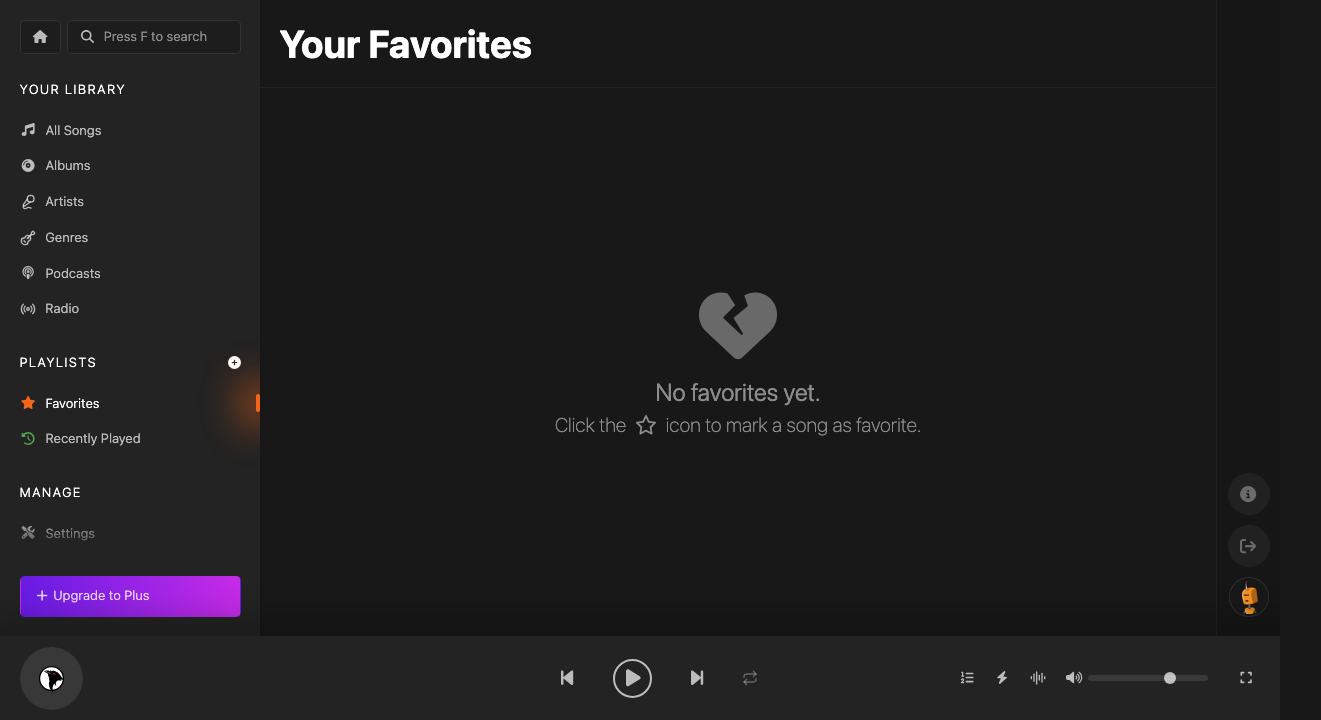
Favorites
Mark any song as a favorite by clicking the heart icon or pressing L during playback. All your liked songs appear in the Favorites section.
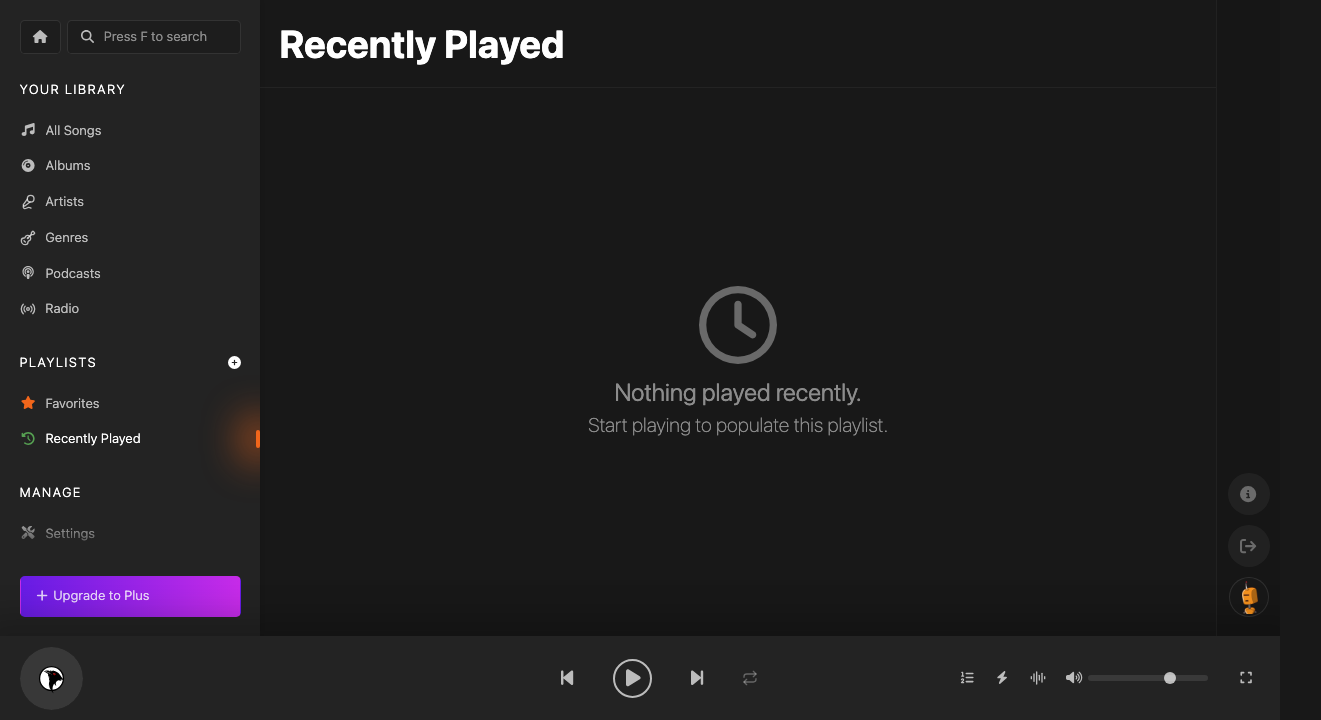
Recently Played
Koel tracks what you've been listening to. Check Recently Played to quickly revisit songs you enjoyed.
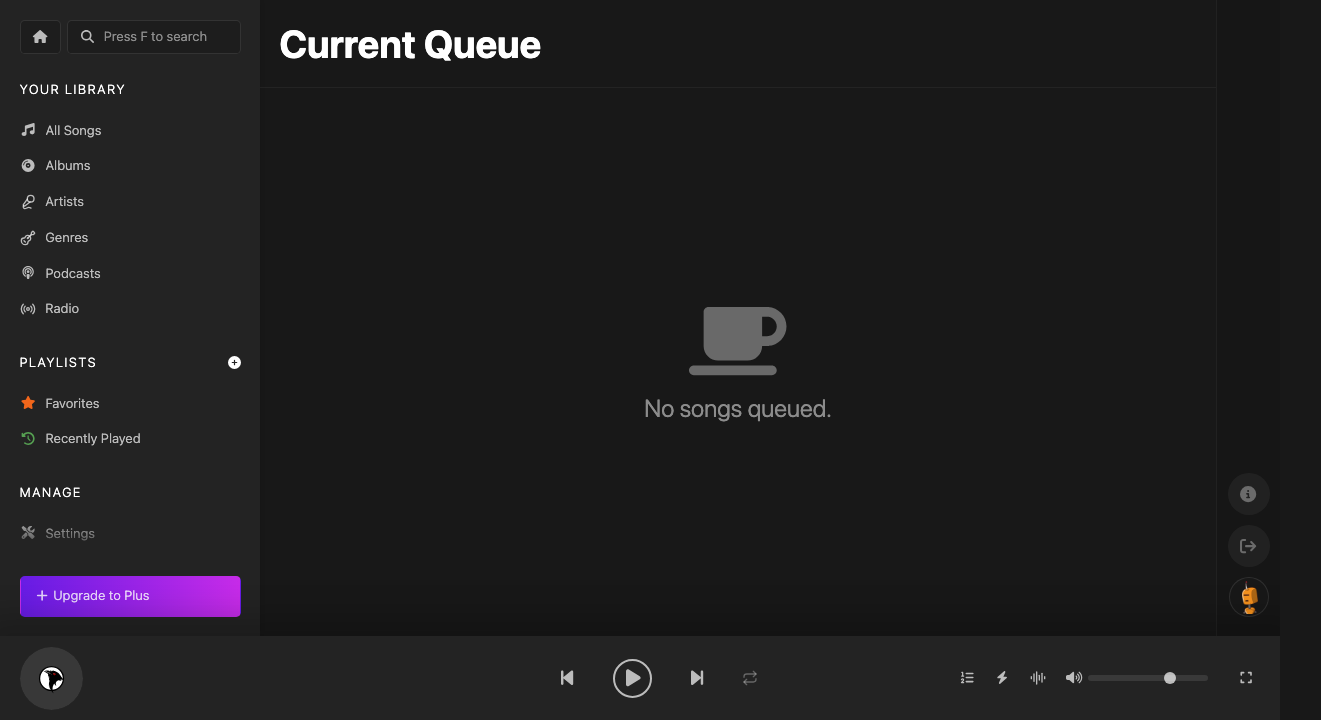
Current Queue
The Queue shows what's playing now and what's coming up next. You can reorder tracks, remove items, or clear the entire queue.
Creating Playlists
To create a playlist:
- Click the + icon next to "Playlists" in the sidebar
- Give your playlist a name
- Drag songs from any view into your playlist
Smart Playlists
Smart playlists automatically update based on rules you define — for example, "all songs added this month" or "top played tracks with more than 10 plays."
Collaborative Playlists
Invite other Koel users to collaborate on playlists. Share a playlist link and they can add, remove, and reorder tracks alongside you.
Listas de Reproducción, Favoritos y Cola
Favoritos
Marca cualquier canción como favorita con el ícono de corazón o presionando L.
Cola Actual
La cola muestra lo que se está reproduciendo y lo que viene después.
Crear Listas
Haz clic en + junto a "Listas" en la barra lateral.
プレイリスト、お気に入り、キュー
お気に入り
ハートアイコンをクリックまたはLキーで曲をお気に入りに追加。
キュー
現在再生中と次の曲を表示・並び替え。
プレイリスト作成
サイドバーの**+**アイコンをクリック。