Appearance
Browsing Songs, Albums & Artists
Koel gives you multiple ways to explore your music collection.
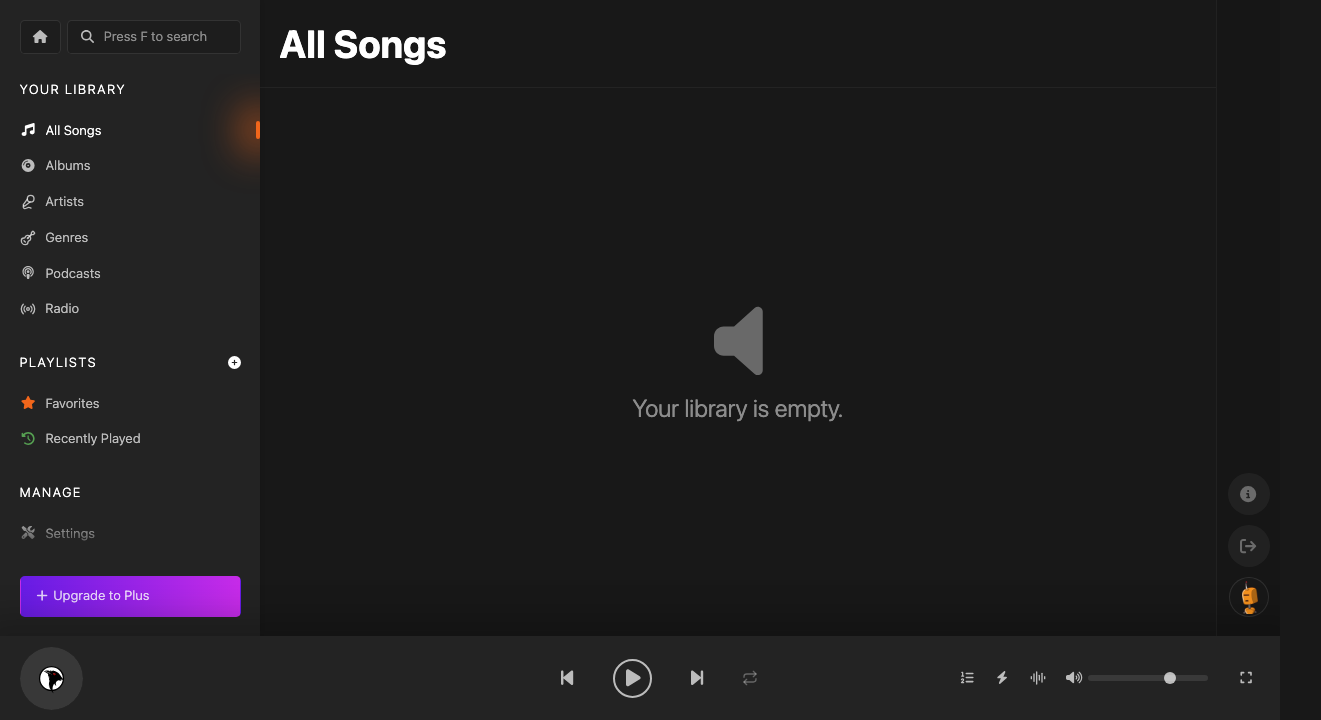
All Songs
The All Songs view shows every track in your library in a sortable table. Click column headers to sort by title, artist, album, or duration.
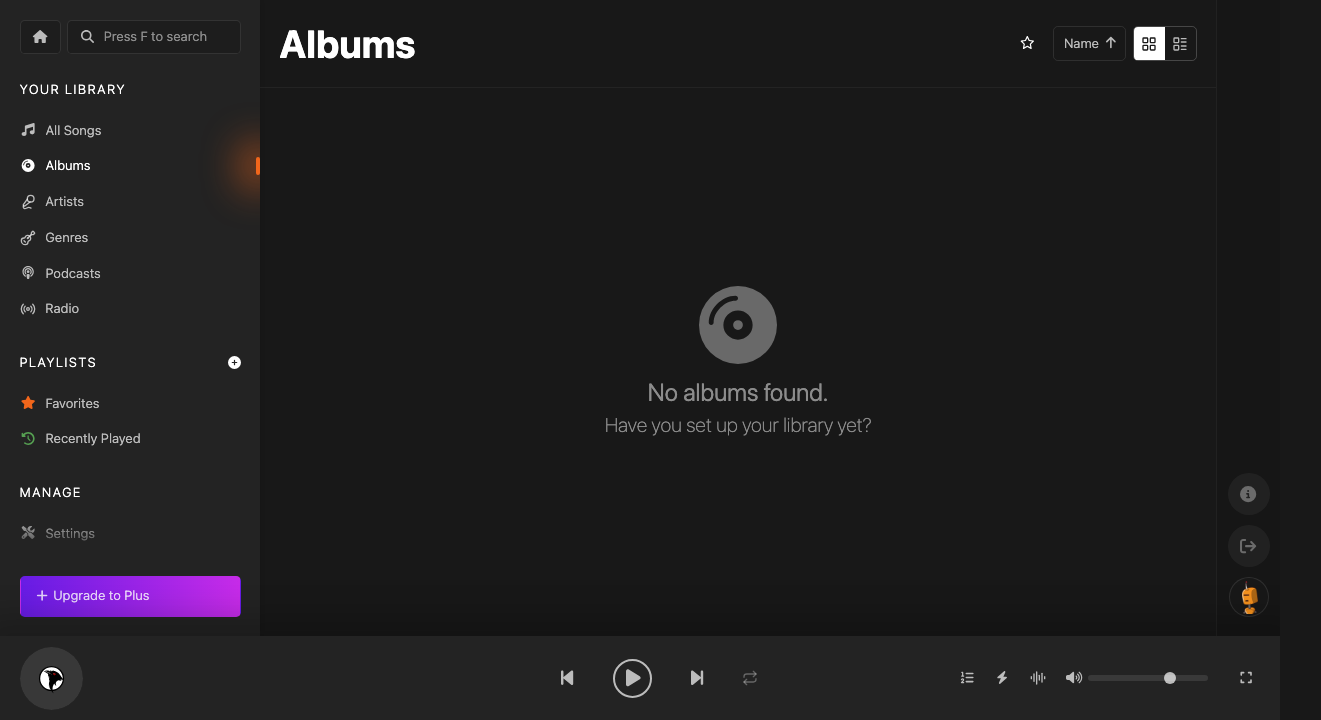
Albums
The Albums view displays your collection as a grid of album covers. Click any album to see its track listing and play it.
Artists
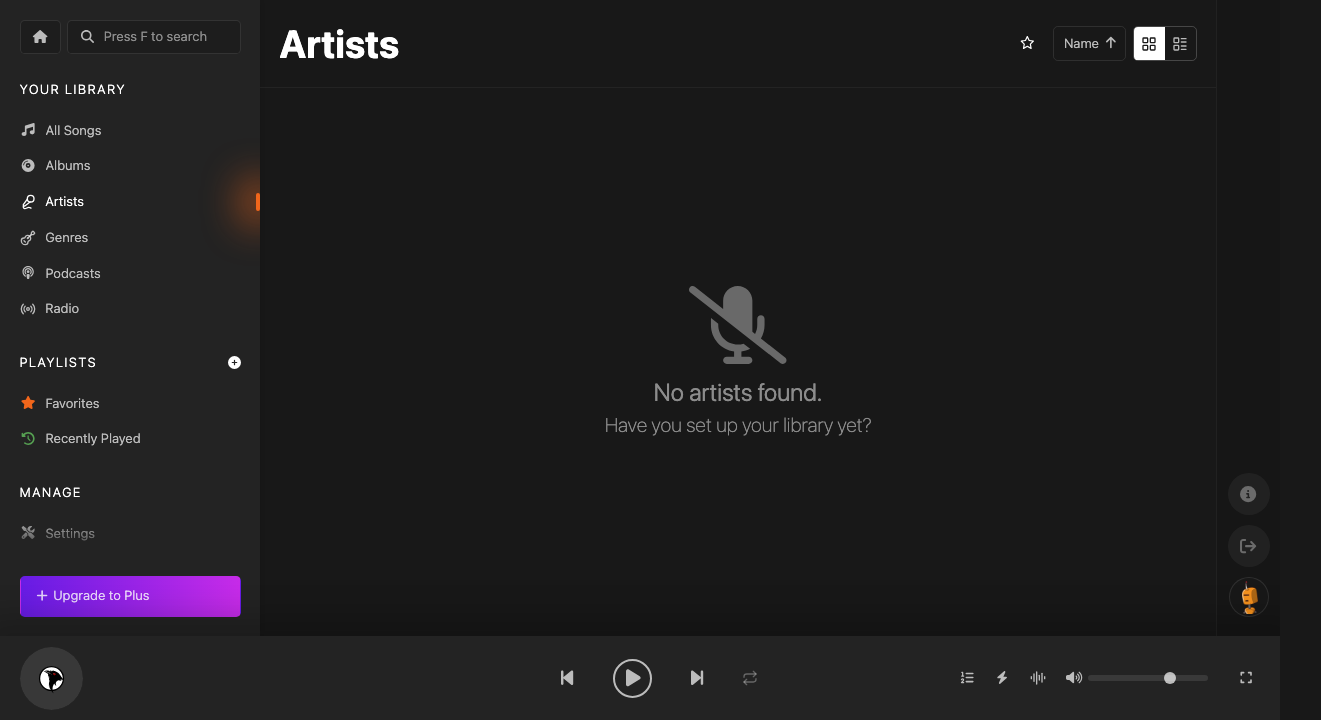
Browse by Artists to see every artist in your library. Click an artist to see their albums and songs. If you've connected Spotify or Last.fm, Koel enriches artist pages with additional info.
Genres
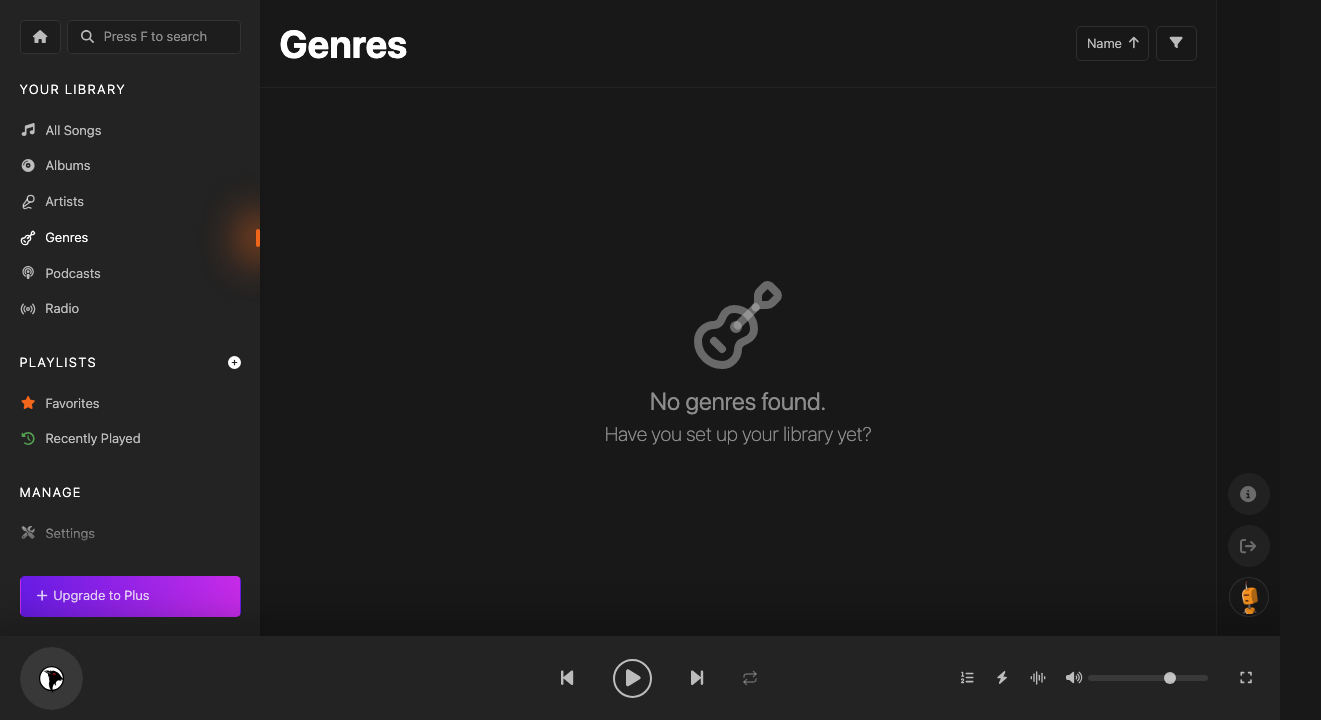
Explore your music by Genre — from Rock to Jazz to Electronic. Koel reads genre tags from your files automatically.
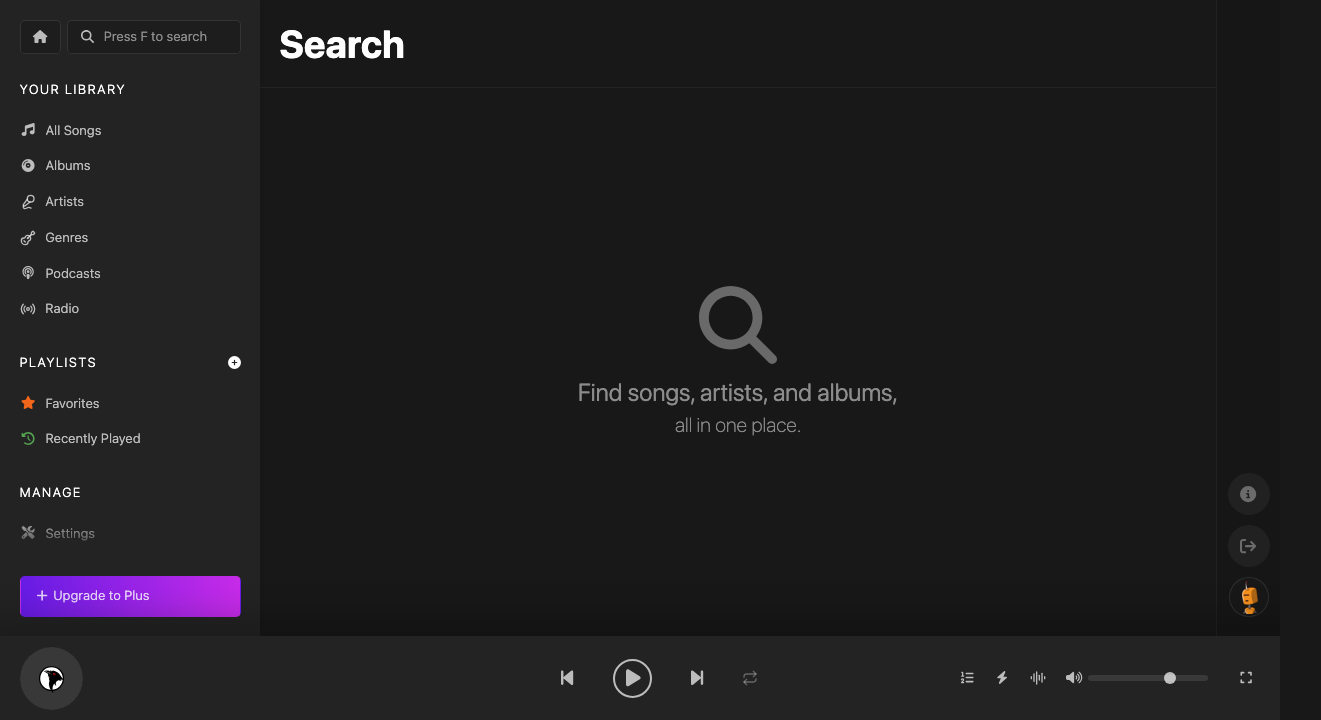
Search
Press F from anywhere to search across songs, albums, and artists simultaneously. Results appear instantly as you type.