
Appearance
Getting Started with Koel
Koel is a personal music streaming server that lets you enjoy your music collection from anywhere. Built with Laravel and Vue.js, it offers a sleek, Spotify-inspired interface that's both beautiful and functional.
What You'll Need
Before setting up Koel, make sure you have:
- PHP 8.2+ with extensions: exif, gd, fileinfo, json, SimpleXML
- A database: MySQL, MariaDB, PostgreSQL, or SQLite
- Node.js 18+ with pnpm
- Composer for PHP dependencies
- FFmpeg (optional, for audio transcoding)
Quick Installation
Clone the repository and check out the latest release:
bashgit clone https://github.com/koel/koel.git cd koel git checkout latestRun the initialization wizard:
bashcomposer koel:initThis walks you through database setup, admin account creation, and initial configuration.
Start the development server:
bashcomposer devThis launches the Laravel server, Vite for hot-reload, and the queue listener all at once.
Open
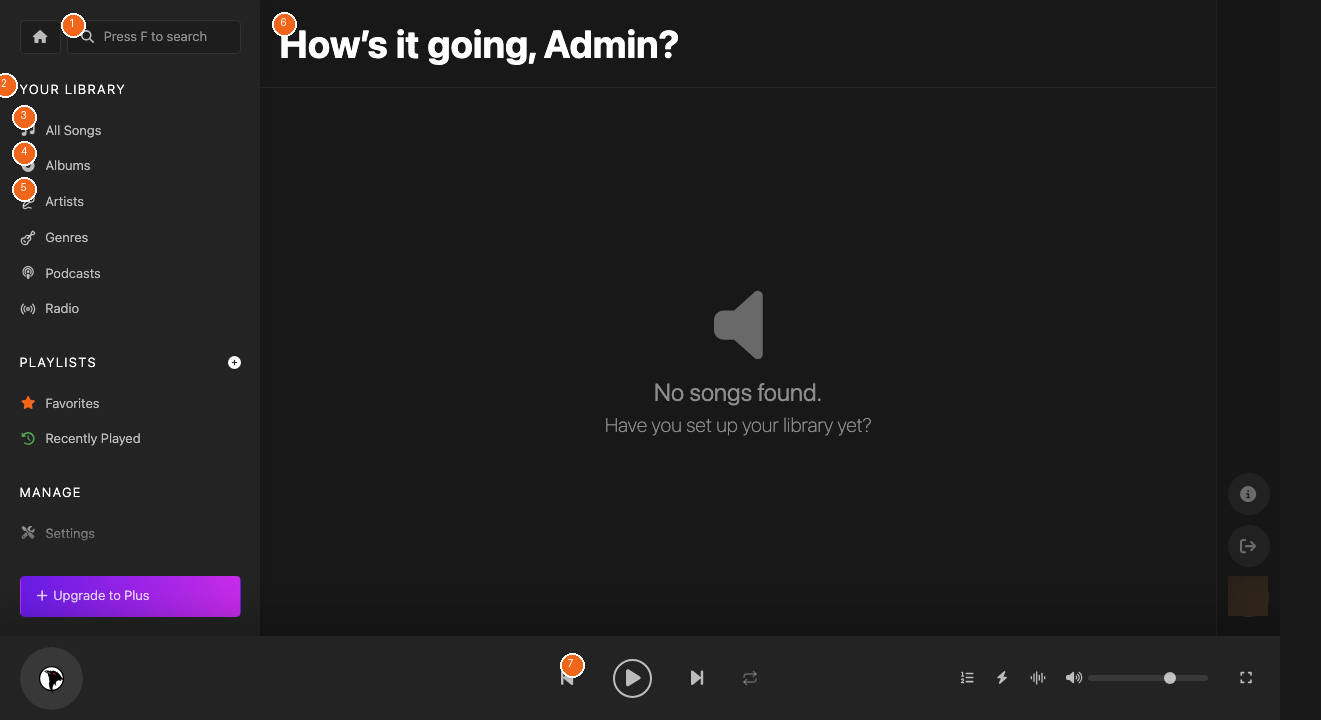
http://localhost:8000in your browser and log in with the admin credentials you created.
Docker Alternative
Prefer containers? Koel has an official Docker image:
bash
docker pull koel/dockerNo manual setup needed — FFmpeg and all dependencies come pre-configured.
First Steps After Login
Once you're in, head to Settings to point Koel at your music library. Set your media path and click Save & Scan — Koel will import your entire collection automatically.
Empezando con Koel
Koel es un servidor personal de streaming de música que te permite disfrutar de tu colección musical desde cualquier lugar. Construido con Laravel y Vue.js, ofrece una interfaz elegante inspirada en Spotify.
Requisitos
- PHP 8.2+ con extensiones: exif, gd, fileinfo, json, SimpleXML
- Base de datos: MySQL, MariaDB, PostgreSQL o SQLite
- Node.js 18+ con pnpm
- Composer
- FFmpeg (opcional)
Instalación Rápida
- Clona el repositorio:
git clone https://github.com/koel/koel.git - Ejecuta el asistente:
composer koel:init - Inicia el servidor:
composer dev - Abre
http://localhost:8000
Koelを始めよう
Koelは、どこからでも音楽コレクションを楽しめるパーソナル音楽ストリーミングサーバーです。LaravelとVue.jsで構築されたSpotifyライクなインターフェースを提供します。
必要な環境
- PHP 8.2以上
- データベース: MySQL、MariaDB、PostgreSQL、SQLite
- Node.js 18以上 + pnpm
- Composer
- FFmpeg(オプション)
クイックインストール
- リポジトリをクローン:
git clone https://github.com/koel/koel.git - 初期化:
composer koel:init - サーバー起動:
composer dev